It's 5.45pm on a Tuesday. Your laptop is still open, a half-written email sits in a tab you're nervous about closing, and the mug beside the keyboard has gone cold. You'll log off soon enough — but your head won't follow. That's the odd thing about working from home: the commute used to do the switching off for you. Nothing does now.
A five-minute shutdown routine sorts that out. It isn't about colour-coded folders or a desk that belongs in a magazine. It's a short, repeatable sequence of small actions that closes the working day properly and gives tomorrow morning somewhere to start.
Why the last five minutes matter more than they look
Most remote workers don't struggle to finish work. They struggle to stop thinking about it. The lid goes down, but the open loops stay open: the client email you haven't answered, the invoice you meant to send, the thing your manager mentioned in passing on a call.
Writing those loops down helps more than it sounds. A list on paper or in a notes app hands the job back to something reliable, rather than leaving your memory to hold it overnight. The routine below does two things at once: it shuts today down, and it means you don't spend the first twenty minutes of tomorrow working out what you're supposed to be doing.
The five-minute shutdown, step by step
Run these in order. On a tidy day it takes five minutes; on a messy one, seven.
- Save and close what you can. Save your files, close documents you've finished with, and decide what genuinely needs to stay open overnight. One or two things, not fourteen.
- Write tomorrow's first task. Not a category like "marketing", but a specific action: "Draft the pricing section of the proposal."
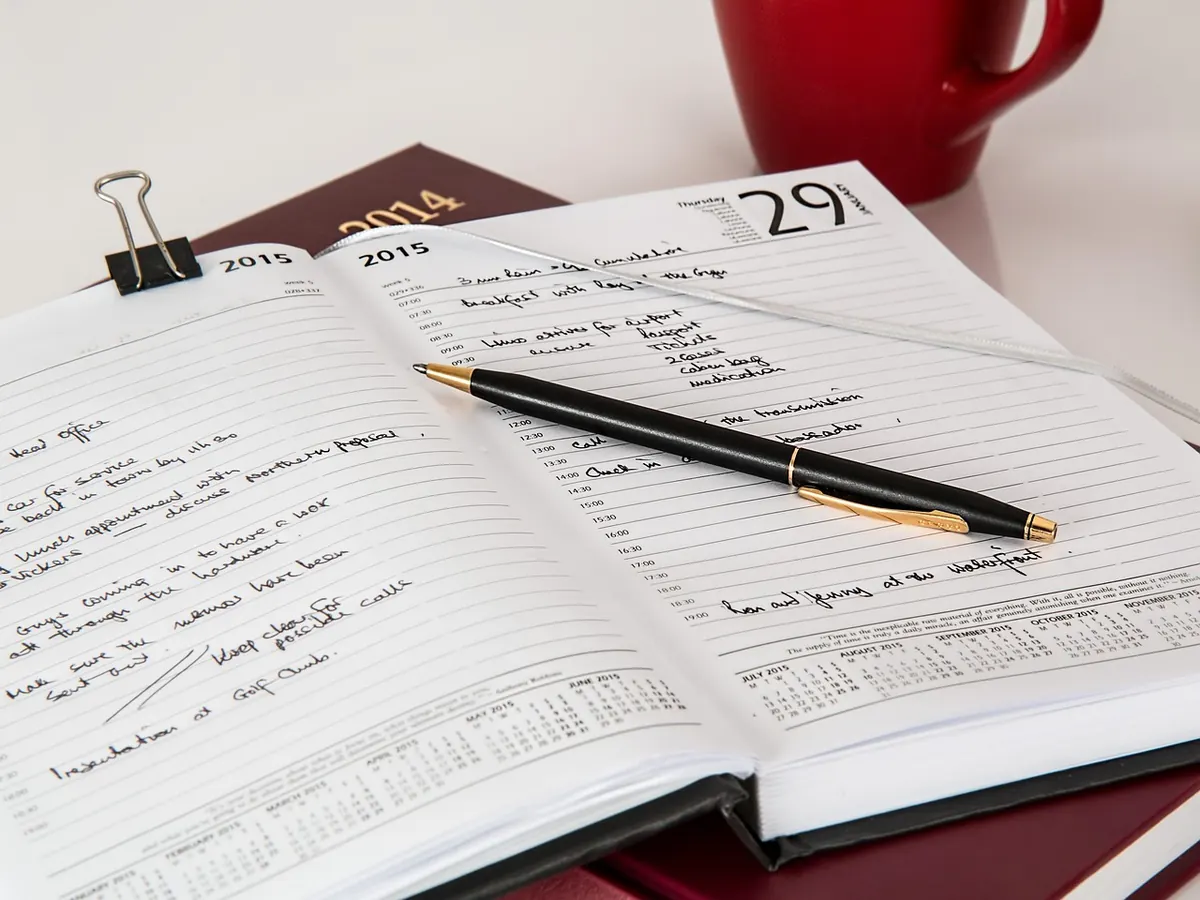
- Skim today's list. Tick off what's done, move anything unfinished to tomorrow, and delete what no longer matters. Be honest — if something has sat there for three weeks, it isn't happening.
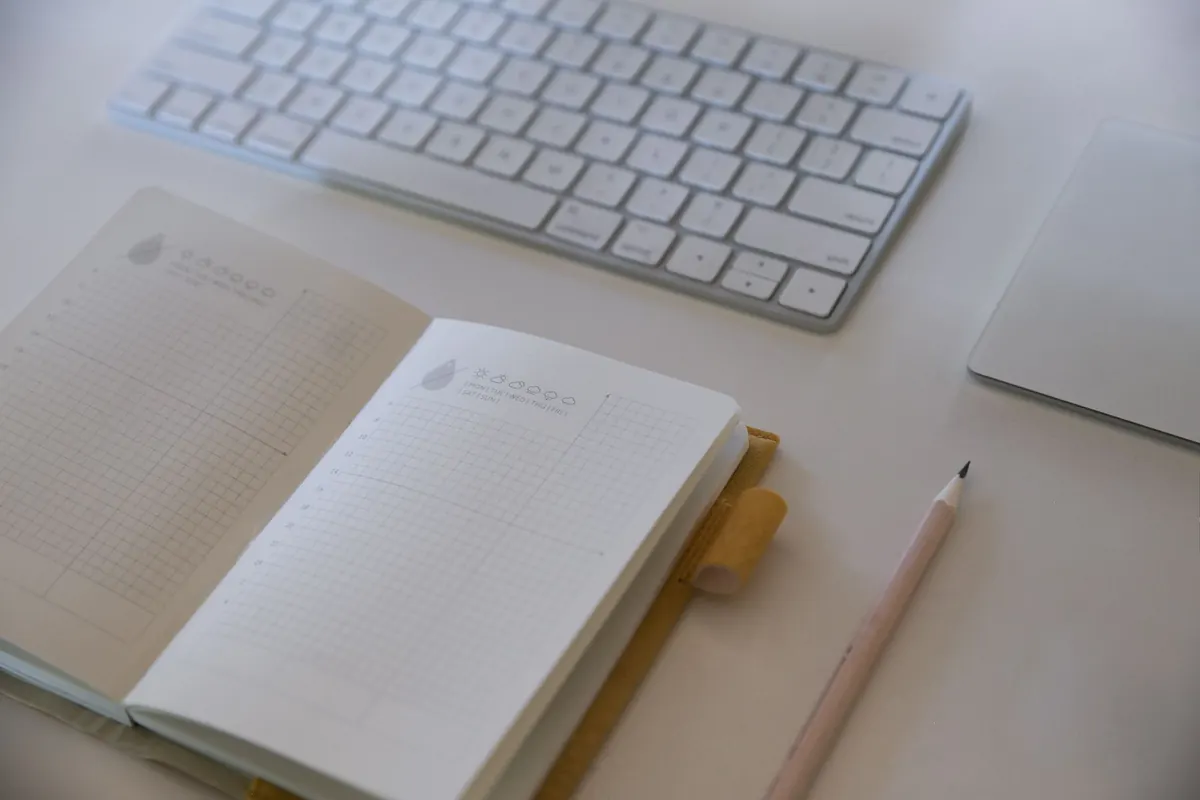
- Clear the surface. Mug to the kitchen, pens back in the pot, loose paper into one tray or your notebook. You're aiming for a clear rectangle of desk, not perfection.
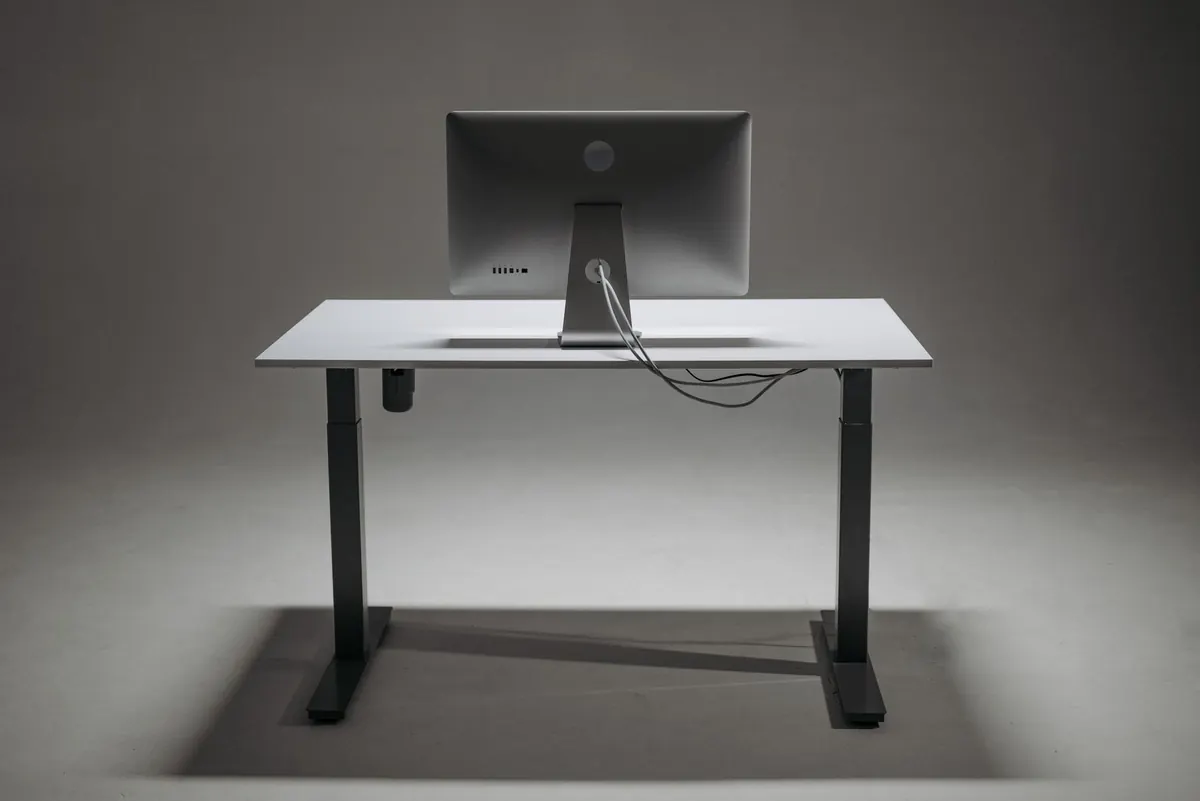
- Deal with the cables. Loop your headset, coil the charging lead, and put away anything you don't need overnight. A lead left across the floor is the small thing you'll trip over at 8am.
- Close the digital door. Quit your chat app, shut the work browser profile, set your status to offline. Anything that can ping you after hours is work that hasn't been shut down.
Tidy the desk and the cables in one pass
Two habits prevent most of the clutter. The first is giving everything one home: a single drawer or shallow box for chargers, adapters, a spare pen and a microfibre cloth. Labels written with a marker take ten seconds and save months of rummaging. The second is keeping only what you use daily plugged in. The rest can live in the box until you need it.
If your desk is also the dining table, this matters even more. Folding everything away is what turns the space back into a room you can eat dinner in, rather than a workstation you happen to sit at in the evening.
Plan tomorrow before you leave the desk
The three-item limit
A list of twelve things for tomorrow is a wish, not a plan. Choose three: one must-do, one should-do, and one quick win you can clear in ten minutes. Anything with a real deadline goes at the top, whatever else has to move.
Write the action, not the topic
"Work on report" leaves you staring at a blank screen. "Write the summary paragraph for the quarterly report" tells you exactly where to start. The second version removes a decision from your morning, which is worth more than it sounds when you're still on your first coffee.
Leave yourself a breadcrumb too. One line such as "Stopped at section three; next, check the figures with Priya" saves you ten minutes of re-reading tomorrow. It also means you can stop mid-task tonight without your brain insisting on holding the thread.
Close the digital door properly
The physical clear-up is half the routine. The other half is making sure work can't quietly follow you into the evening.
- Turn off desktop notifications for chat and email, so an after-hours message stays in the app.
- Sign out of work accounts on your personal phone, or at least move the app off your home screen.
- Close work tabs rather than saving them "for tomorrow" — that's what your task list and bookmarks are for.
- If you share a computer with anyone else at home, logging out is also the tidy option.
When the day doesn't go to plan
Late meeting, poorly timed delivery, children who need feeding. Some days five minutes isn't available, so keep a 90-second version in reserve: save your work, write one line about where you stopped, note tomorrow's first task, close the lid, and step away from the desk.
Do it at the desk, whichever version you run. A shutdown performed from the sofa two hours later doesn't carry the same weight, because by then you've already spent the evening half at work. And if you regularly work a second shift after dinner, run the routine at the end of that session instead. Don't try to do it twice — one clean finish is the point.
Start with tonight
Pick a cue and keep it dull: the same time each day, or straight after your last meeting. Set a phone alarm for four minutes before you intend to finish, and when it goes off, work through the six steps. The first few evenings will feel like not much has happened. Give it a fortnight and you'll notice the difference at 9pm, when the to-do list has stopped circling.
If five minutes feels like too much on a bad day, run a two-minute version. A small routine you actually do beats a thorough one you skip. And if switching off becomes a persistent struggle rather than an end-of-day habit problem, that's worth raising with your GP rather than trying to fix it with a checklist.
Photo: PNW Production / Pexels